
Brave Browser
Brave for Android is a free, open-source browser from Brave Software that blocks ads and trackers by default and is built on Chromium.
Android
Open source
154.0.8037.57 · Google LLC · Page updated
Google Chrome for Android is Google's web browser for phones and tablets, with tabs, bookmarks and passwords synced to your Google account.
Average 0.0 · ratings: 0
Thank you! Your rating is saved; you can change it. Could not save the rating. Please try again later. Too many ratings from your network today. Please try again tomorrow. The average appears after 5 ratings.
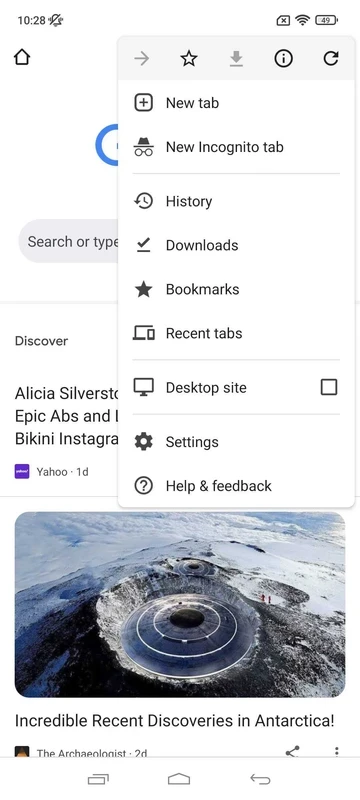
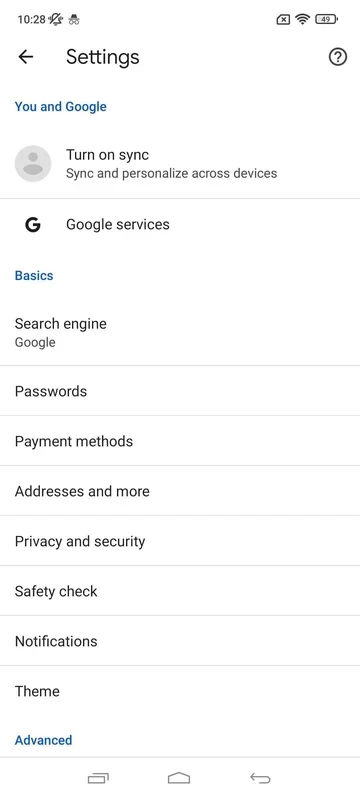
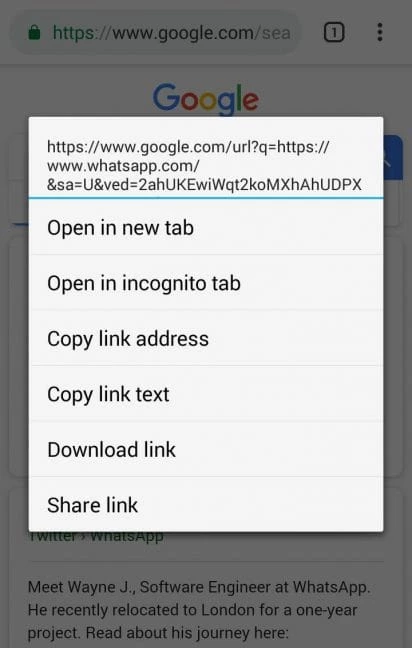
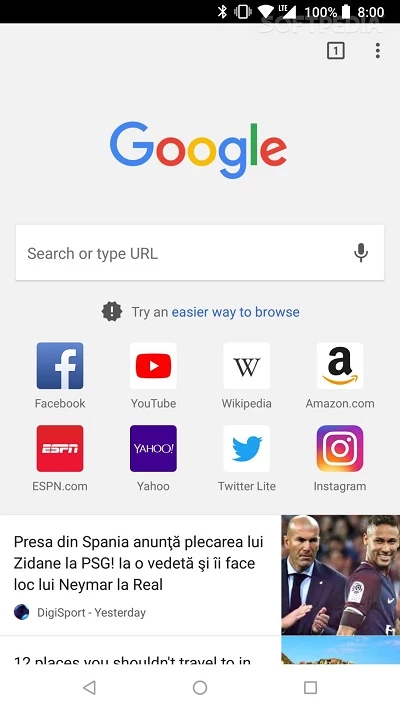
Google Chrome 154.0.8037.58 for Android is the current stable release of Google's web browser, and you can download or update it free from Google Play. On most Android phones Chrome is already installed, so for many people the real question is how to keep it current and set it up well.
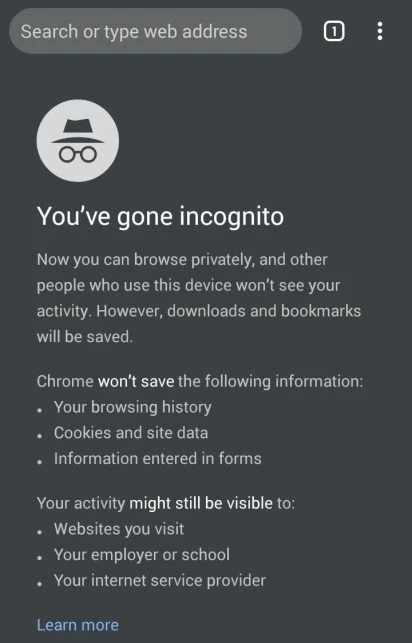
Chrome first appeared on 2 September 2008 and is built on Chromium, the open-source browser project. The Android version follows the same release line as the desktop one, which is why the version numbers match across devices. What people value most is continuity. Sign in with a Google account and your bookmarks, saved passwords, history and open tabs follow you from a laptop to a phone and back. Beyond that, the app does what a mobile browser should: tabs you can group, an address bar that doubles as search, a reading-friendly layout for long pages, downloads and an incognito mode for private sessions.
| Version | 154.0.8037.58 (stable) |
|---|---|
| Released | 22 September 2026 |
| Developer | Google LLC |
| License | Freeware |
| Engine | Chromium |
| Size | about 111.55 MB according to catalogue data |
Google also runs beta builds of the next version for testers; the stable channel is the right choice for everyday browsing.
To see what changed in recent releases, Google keeps a What's New in Chrome page. The main product page is google.com/chrome.
Google Play checks your device before offering the update. If the Install or Update button is missing, the phone's Android version is too old for the current release, and Chrome will stay on the last build it supports.
Set Chrome as the default browser if links from other apps keep opening elsewhere. Turn on sync only for what you need, for example bookmarks and passwords but not history. And if the phone is shared, add a separate Google account profile rather than letting everyone use yours.
Only install Chrome from Google Play: "Chrome APK" files on third-party sites can be modified. In the settings, review Safe Browsing, cookie options and site permissions such as location and notifications. Many sites ask to send notifications, and refusing them keeps the phone much quieter.
Chrome is free, with no paid tier for the browser itself.
Firefox, Brave, Opera, Microsoft Edge and Samsung Internet Browser are all browsers for Android in the same category, each with its own approach to privacy and design.
Brave for Android is a free, open-source browser from Brave Software that blocks ads and trackers by default and is built on Chromium.

Firefox for Android is Mozilla's free, open-source mobile browser with tracking protection, add-ons and sync with Firefox on your computer.

Microsoft Edge for Android is Microsoft's mobile web browser, syncing favourites, passwords and tabs with Edge on your Windows PC.
Firefox for Android is Mozilla's free, open-source mobile browser with tracking protection, add-ons and sync with Firefox on your computer.

Opera Mini is a free mobile browser from Opera for Android, designed for phones with slow connections and limited mobile data.

Samsung Internet is a free Chromium-based web browser for Android developed by Samsung Electronics, preinstalled on Galaxy phones.

UC Browser Mini is a lightweight Android browser from UC Web that saves mobile data, handles downloads and runs on low-end phones.

UC Browser for Android is a mobile web browser from the Chinese company UCWeb, used for browsing, videos and downloads on the phone.

Opera Browser for Android is the mobile web browser from Opera, with tabs, private browsing, sync with Opera on your computer and data-saving options.