
Zen Browser
Zen Browser is a free, open-source web browser based on Mozilla Firefox, with a calm interface built around organising tabs.
Windows
Open source

Google Chrome is the free web browser from Google. The stable Windows release is 154.0.8037.58, out since 22 September 2026.
Average 0.0 · ratings: 0
Thank you! Your rating is saved; you can change it. Could not save the rating. Please try again later. Too many ratings from your network today. Please try again tomorrow. The average appears after 5 ratings.
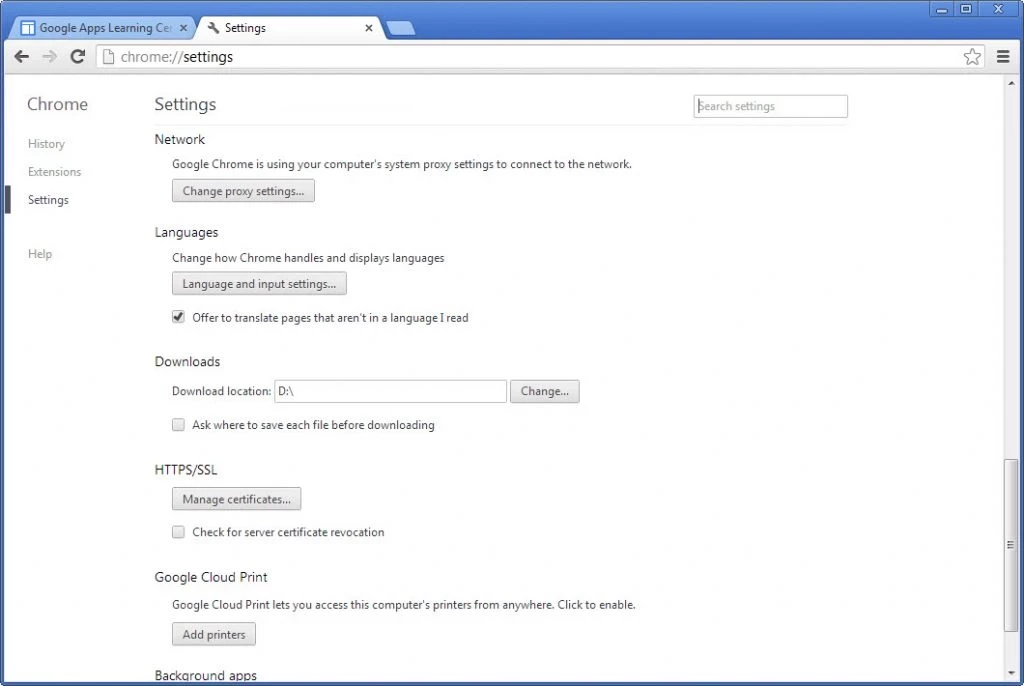
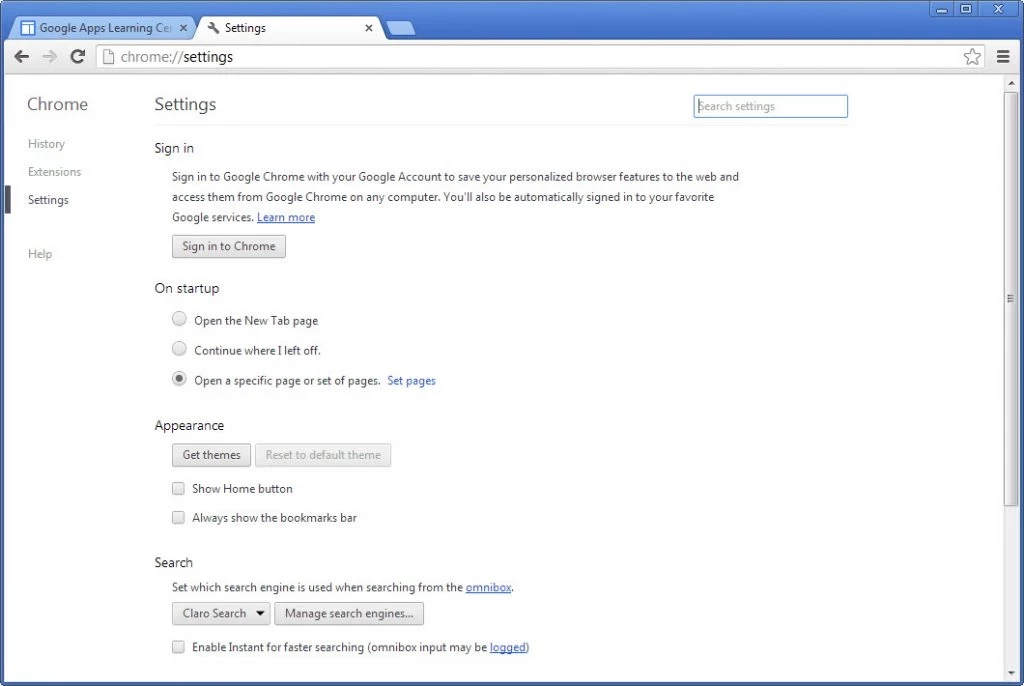
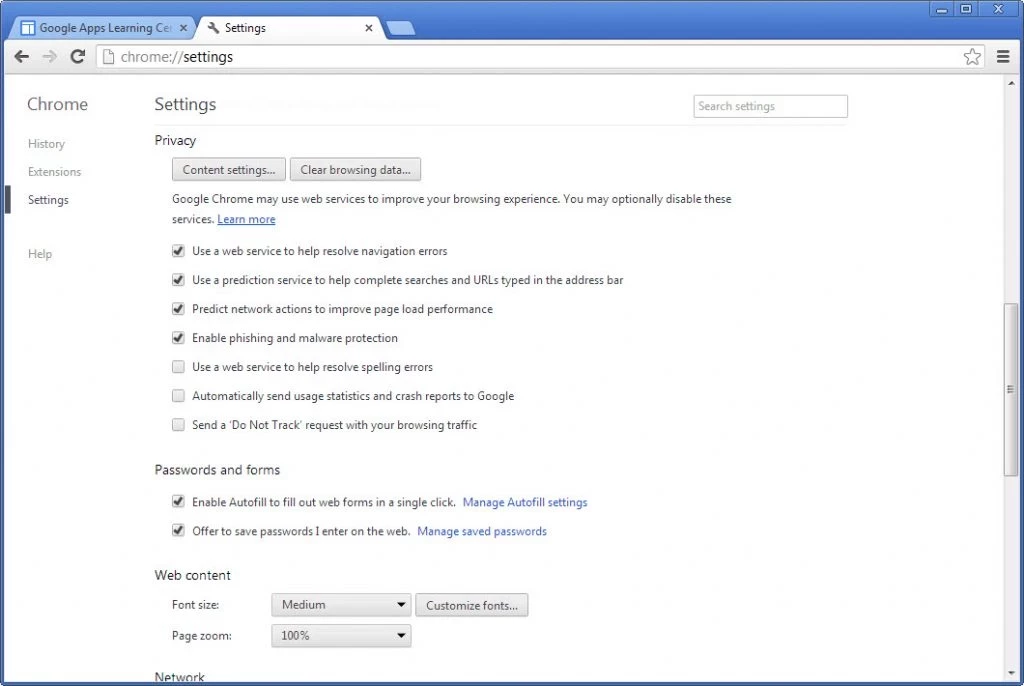
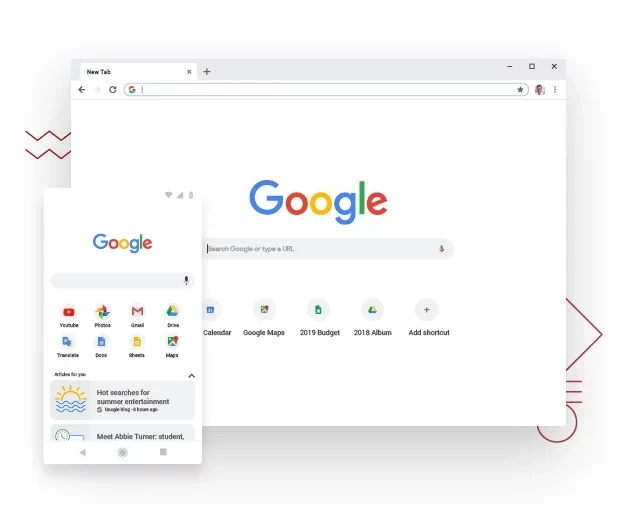
Google Chrome 154.0.8037.58 is the stable Windows release of the free browser from Google, published on 22 September 2026. You can download it for Windows from the official Chrome page, which offers a small online installer; according to catalogue data, the full offline package is about 155.53 MB.
Before you install, check the system requirements below: Chrome no longer runs on older Windows versions, and ARM laptops have their own minimum.
| Windows on Intel or AMD | Windows 10 and up, Pentium 4 or newer processor with SSE3 |
|---|---|
| Windows on ARM | Windows 11 and up |
| Mac | macOS Big Sur 11 and up |
| Linux | 64-bit Ubuntu 18.04+, Debian 10+, openSUSE 15.5+, Fedora Linux 39+ |
Chrome is built for IA-32, x86-64 and ARM, so both classic desktops and Snapdragon-based laptops are covered, as long as the Windows version matches.
Google ships Chrome in several channels at once, and it is worth knowing which one you are getting. The stable channel reached 154.0.8037.58 on 22 September 2026, and it is what the normal installer gives you. Google also runs an extended support channel for organisations that prefer fewer feature changes, and a beta channel that previews what stable will get next. For everyday browsing take stable: it updates itself in the background, and you never have to come back to a download page for security fixes. The list of changes for each release is on Google's What's New in Chrome page.
Google's own help article on downloading and installing Chrome covers the same steps.
It is, if it comes from google.com. Chrome is a popular disguise for malware, so avoid sites that bundle it with their own installers. A genuine copy updates itself and shows the version under Settings, About Chrome.
Chrome first appeared on 2 September 2008. It is written mainly in C++ and based on Chromium, the open-source browser project that Google develops in public. The source code is on GitHub alongside other Google Chrome repositories. Chrome itself is freeware: free to use, with Google branding and services on top of the open code.
Chrome makes the most sense if you already use a Google account for mail, documents or Android: bookmarks, passwords and open tabs follow you between the PC and the phone. It is also the browser most web developers test first, so sites rarely break in it. If you would rather keep Google services at arm's length, you can still use Chrome without signing in, though you lose sync between devices.
Zen Browser is a free, open-source web browser based on Mozilla Firefox, with a calm interface built around organising tabs.

Brave is a free, open-source, privacy-focused web browser built on Chromium, with ad and tracker blocking turned on by default.

LibreWolf is a free, open-source web browser based on Mozilla Firefox, maintained by the LibreWolf Community with privacy-focused defaults.

Mozilla Firefox is a free and open-source web browser developed by Mozilla, available for Windows, macOS, Linux, Android and iOS.

Opera is a free web browser for Windows from Opera Software. The stable release is 136.0.6008.22, published on 17 September 2026.

UC Browser for Windows is the desktop version of the web browser from UCWeb, a Chinese mobile internet company.

Google Translate is Google's multilingual machine translation service, used on Windows through the website and a browser extension.

Microsoft Edge is Microsoft's web browser, preinstalled on current Windows versions and available as a free download for reinstalling or updating.

Vivaldi is a free, highly customisable web browser from Vivaldi Technologies, based on Chromium and with a built-in email client. This page covers version 8.2 (4133.76).
Mozilla Firefox is a free and open-source web browser developed by Mozilla, available for Windows, macOS, Linux, Android and iOS.

Cent Browser is a free Chromium-based browser for Windows from Cent Studio that adds mouse gestures, tab tweaks and other power-user options.